
WordPress Floating Content Box and Injection Panels With MaxBoxy Plugin
Float Any and Inject Any Content On Your Site With Special Panel Enhancements and Features
- Floating and sticky menus
- Pop-up and slide-in panels
- Call to action messages
- Announcement and info bars
- Rotating notifications
- On-load or on-click initiation
and much more…
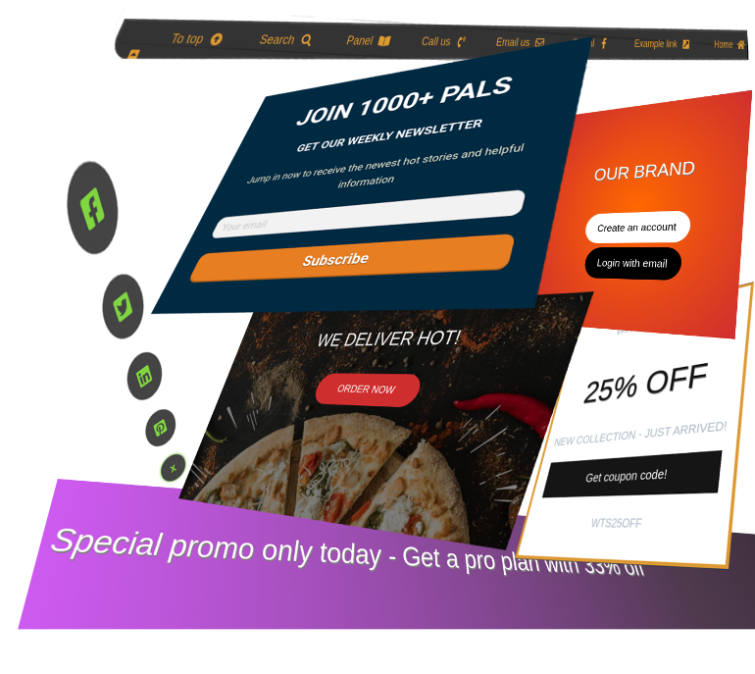
A Powerful Engagement and Conversion Tool for Your Website. With MaxBoxy create WordPress floating content and in-text panels.
How are you engaging with your Website’s visitors?
Almost every Website requires some kind of engagement, and to resolve this, you may need a WordPress content box plugin. In order to connect more deeply with the site visitors, your search for injecting and floating content box WordPress plugins could be over, and probably you’ve found what you were looking for. Still, on the very commencement, let’s emphasize some major points by checking the following:
- Are your Website visitors leaving without engagement and not following in the direction you would like?
- Have you been involved with conversion tools not intuitive and expandable enough?
- And aren’t those tools usually hard to grasp and to learn to work with?
Well, we have the tool that will help you tackle these inconveniences. MaxBoxy allows you to assemble the content blocks and to create floating and sticky elements over your WordPress Website, giving more exposure to the important messages and enticing components you wish them to engage with.
If you were looking for such a solution, the chances are you’re going to love this. With MaxBoxy, create WordPress floating content, sticky floating menus, info bars, pop-up/slide-in panels, toggling & igniting panels, and even set the rotating notifications. Furthermore, you can also inject content into specific locations over the whole Website or at particular pages. Finally, set the goals and measure the conversion results. On top of that, all is available from a common WordPress interface.
Create call to actions
Provide Interactions
Promote your products
Convert to buyers
You’ll be glad to know that MaxBoxy is designed to work with any WordPress theme, and the thing you’re probably going to like is that the interface is the same as the WordPress itself uses for publishing the content, i.e. posts and pages. MaxBoxy, as an engagement content plugin, allows you to choose from various panel locations or to embed it with a shortcode.
FloatAny
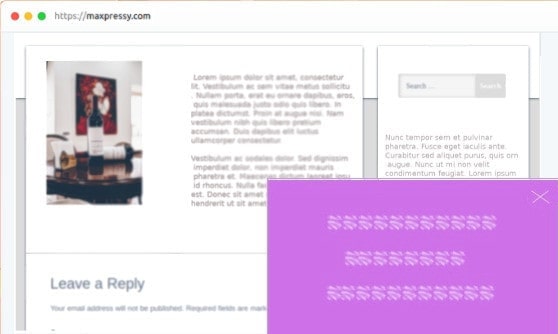
- Banners & ads
- Info bars
- Signup forms
Much more…
InjectAny
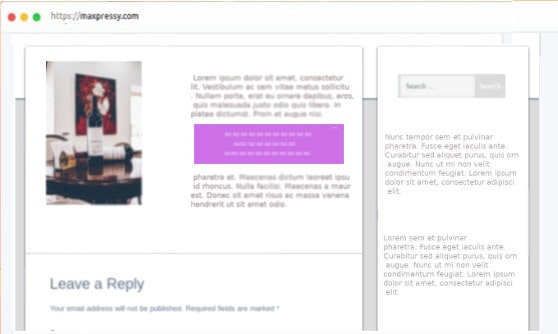
- Inject CSS and JS code
- Info bars
- Headers for specific pages
…anything you come up with.
Measure
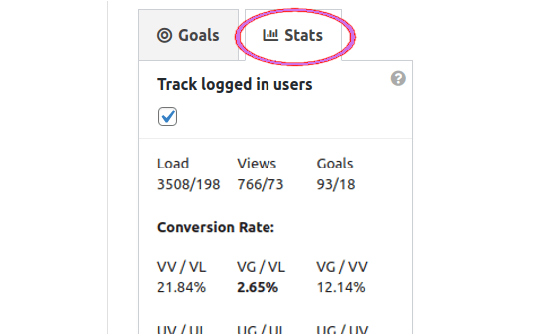
The best thing, set the goals (button clicks, signup forms completion) and get the things measured
A Powerful Engagement and Conversion Tool for Your Website – Injection and Floating Content Box WordPress Plugin
Easily Create WordPress Floating Content Boxes
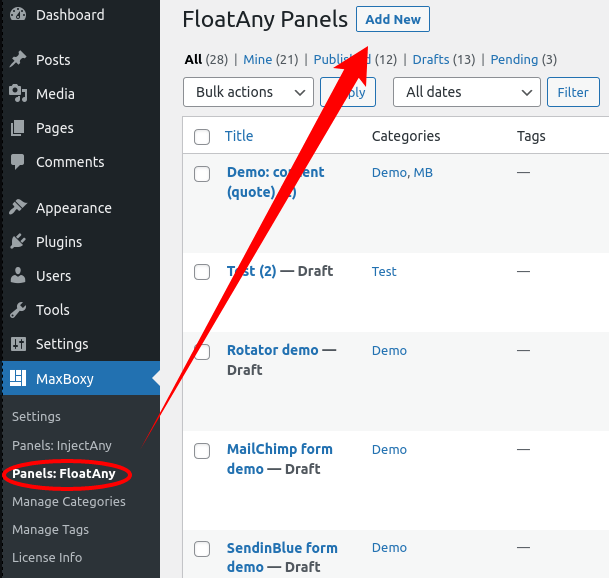
1. After activating the plugin, to create the first panel, from the WordPress dashboard, notice the FloatAny section. Just click on the “Add new” link, and you’ll be redirected to the panel creation screen.
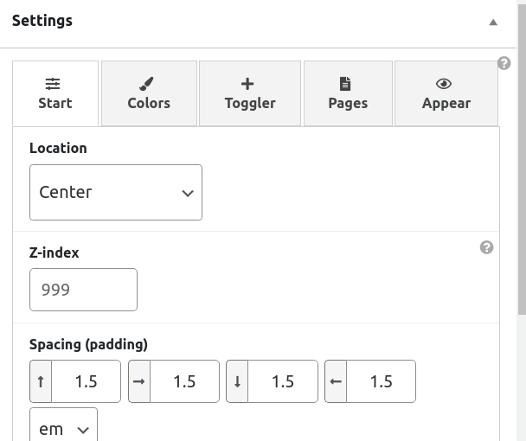
2. This is the optional step since you can go with the default settings. To change the purpose of the panel, there are settings you can change, e.g. panel’s type, location, colors, toggler adjustment, etc.
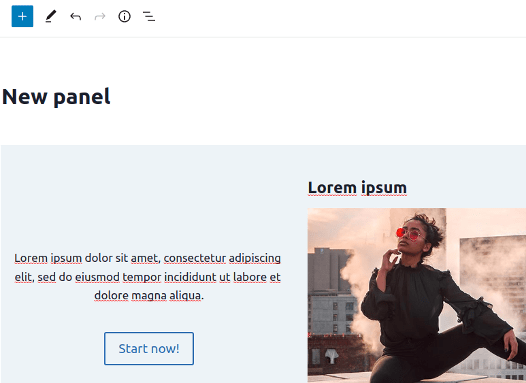
3. It’s up to you to arrange the elements with drag & drop utility and to puzzle them into the content box, which at the end appears as floating menus, action bars, info bars, or popup newsletter signup forms.
Inject content into any WordPress page
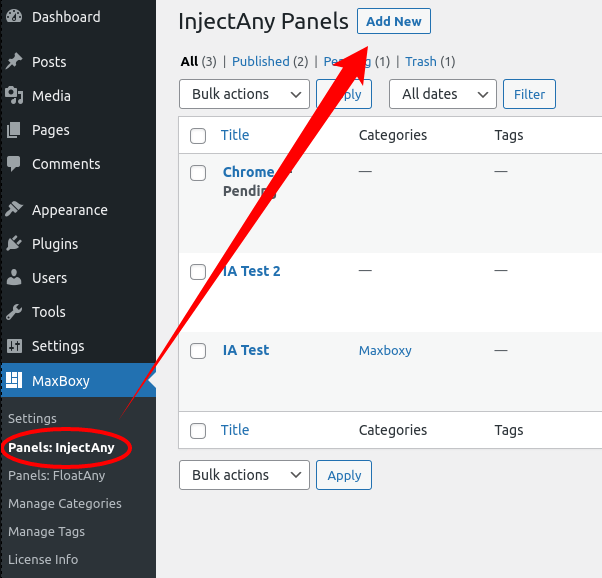
Similarly, as aforementioned with WordPress floating panels, instead of FloatAny, just pick the InjectAny panel strain to embed the content in specific pages or over the whole site. This way, you can make headers or footers for specific pages, inject the CSS or JavaScript code in a header/footer or embed it as a regular content box.
Therefore, MaxBoxy enables you to extend the functionality of your site in a remarkably easy way. I’m sure you realize that, would you use one panel or as many as you wish, these functionalities will allow more interactions for your site’s visitors.
It’s for the new WordPress era
Let’s be clear from the outset, if you want to keep things in the old WordPress way by creating the content with a classic editor or with “Page Builders”, then this may not be for you. This is for the new era of WordPress, where the content is created with blocks.
This switch to the block concept with WordPress editing is called the Gutenberg project, and since its introduction, it has evolved tremendously. Nowadays, if the element isn’t available as a WordPress core block, the chances are you’ll find it through a plugin. MaxBoxy embraces this concept and allows you to wrap up created content, built either with native WordPress blocks or with 3rd party plugins, and unfold it as a floating or injecting panel. On top of that, you can set the purpose of the panel box, show it as a toggler, igniter, or simply a closer, or even set the messages to rotate as the notification system.
To be completely clear, you can still use “Page Builders” on your site, but for the MaxBoxy content box, it is necessary to use WordPress’ Gutenberg blocks.
Why MaxBoxy as an injecting and floating WordPress content box plugin – major advantages
Probably I shouldn’t be telling you this, maybe you’ve found a cheaper tool or something similar, but we want to stress that we’re not in the pricing game, trying to be the cheapest. On the other side, we’re making efforts to create MaxBoxy as a powerful conversion tool, while priced reasonably. We provide even the basic version of our injecting and floating content box WordPress plugin at no cost, limited in some features, and this is a great way to see if the plugin is going to make a difference for you. It’s absolutely fine if the basic version is all you need. Besides that, let’s emphasize what we see as the major advantages of MaxBoxy.
Simplicity
Unlike with many other WordPress plugins, the creation of the MaxBoxy panel boxes is done in a native WordPress way, i.e. the same way you create content for posts or pages. This means that you are using the interface you are used to, or if you are new to WordPress, it’s the interface you have to learn to use anyway. The whole MaxBoxy addition is the simple options panel added to the existing sidebar along the content editor – therefrom, you determine the panel’s type and its appearance behavior.
Performance
Discarding the concept of creating particular content elements for the MaxBoxy panel boxes reduced the size of the plugin. The plugin itself is lightweight, and the elements you are using to build the content most likely are those your Website is already using, i.e. native WordPress blocks. On top of that, the plugin’s resources are loaded only on the pages where the panel is present.
Design
Panel boxes can be styled differently, e.g. squarely or with rounded corners, shown as wide info bars or narrowed box messages. Set them as floating or injected content. Further, introduce your WordPress floating content differently (as popups, or slide-ins ), set different types (igniter, toggler, closer), and add roles (banish or rotating), etc. At last, it’s limitless in content-building possibilities, set content either with WordPress’ core blocks or 3rd party plugins. To make things even easier, we provide you with pre-design patterns, which even further facilitate content creation.
Conversion
As a WordPress content box plugin, MaxBoxy goes over adding floating and injecting panels. We have developed a built-in measurement system where you can see panel loads and views, also set goals, and see the outcome stats. You can set clicks or signup form completion as the goal. Finally, you’ll be able to see how your Website visitors are engaging with your panels and messages, and also see if they are completing the set goals.
MaxBoxy – It’s that simple, Float Any or Inject Any Content, and at the end, Measure the Results
Therefore, forget about the tools that solve just one type of issue or impact the loading of your WordPress Website, and actually get ready to entice and engage the visitors in a smooth and seamless process. Maybe a bit biased statement, heck, why not say, MaxBoxy is a powerful and performance-wise tool that allows you to create beautiful conversion components in a remarkably simple way.
Powerful features present
If you were wondering are there some significant features missing, well, don’t worry, all this comes without sacrificing important features. Even with the basic version, you’ll be able to create dazzling content boxes, but have to admit the real benefit comes once you upgrade to the Premium version.
Time is always critical
Often, people do not have time for additional work, which is why good products come pre-assembled or pre-designed. We know you are busy, and that’s why you can import some ready panels for testing. Over that, we have made pre-designed patterns you can use as a foundation for the MaxBoxy content.
The 3 x right – Are your call to actions getting attention?
The right message
At the right time
At the right place
It’s not about how many people you are getting on your site, it’s more about whether you are converting those visitors into prospects.
By offering your Website’s visitors engagement components, they are getting involved and connected with your messages.
81%
brands advertised a discount or bundle deal on Black Friday
offered a promo code
24%
8%
used a timer to create urgency
ARE YOUR CALL TO ACTIONS ON THE RIGHT SPOT?
DID YOU KNOW THAT COUPONS ARE ONE OF THE BEST BUYING INCENTIVES?
53%
Of shoppers prefer digital coupons
When offered a coupon, people shop for more items than normal
37%
91%
of American consumers share deals and offers with their friends and family
With MaxBoxy, get your visitors moved in the desired direction by setting info bars, exit popups, coupon copiers, and much more
When used effectively, a little bar on top of your site is the most unobtrusive way to boost your Website engagement. Create info bars and other sticky content with our floating content box WordPress plugin
While many companies are shy in using Exit Popups, they are actually a proven way to increase conversion – what have you got to lose, the user was leaving anyway!
When offered a coupon, people are more likely to buy, usually sharing it with friends and colleagues. When you upgrade to the premium version, you get a smooth way for users to copy the coupons on your site.
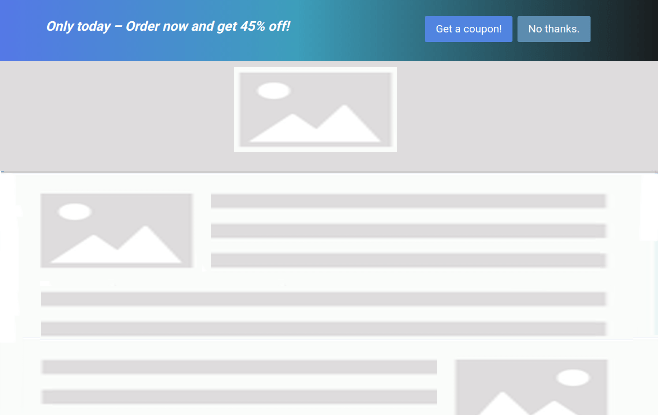
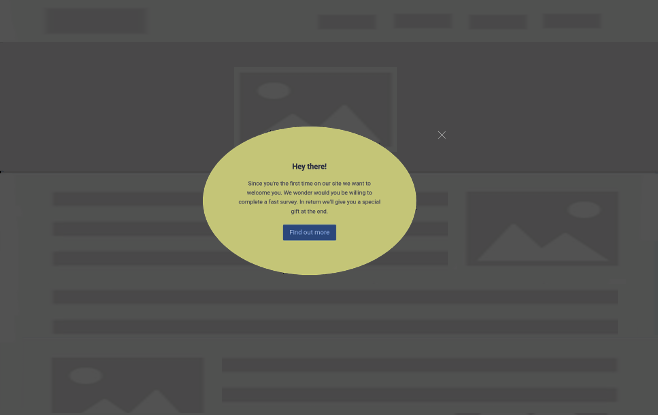
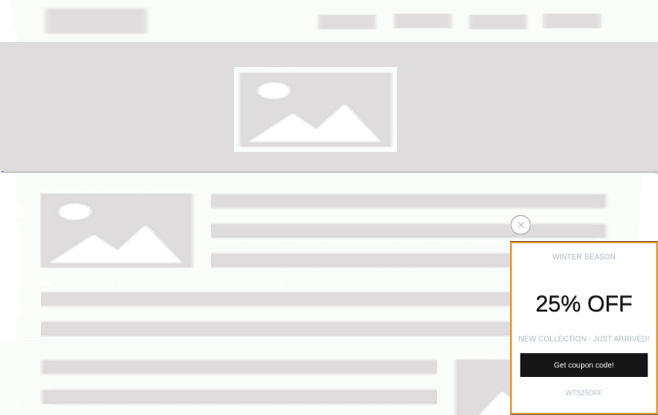
These are just a few options. See the major features listed here.
Let’s see visually, is this plugin powerful enough for your Website
You might want to try it immediately, but before that, here are some basic examples of what you can make with MaxBoxy.
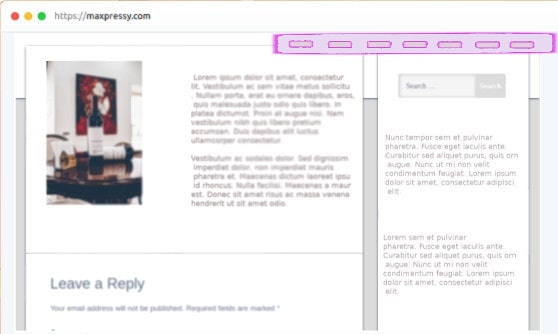
Create floating menus
More exposure for the menu and important links
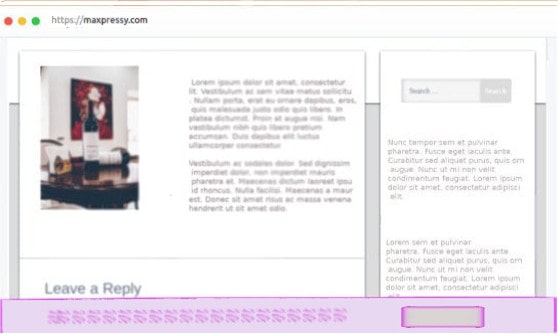
Call to action bars
Promote specific products and deals
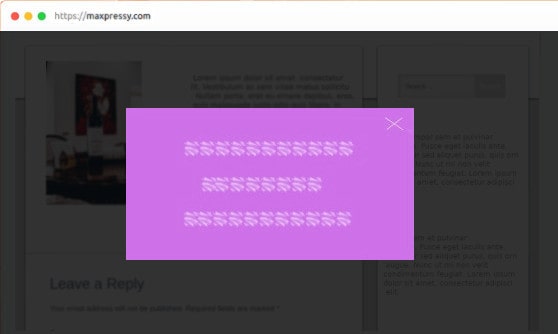
Popup panel boxes
Get important messages glued up over the page
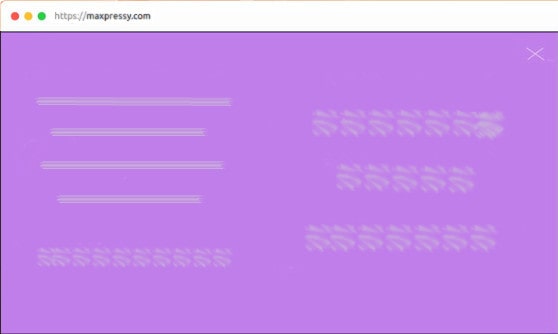
Set full screen panels
With the panel over the full screen, there’s no limit to the design you can output
Slide in panels
Different appearance styling, define a panel as a popup or slide-in vertically / horizontally
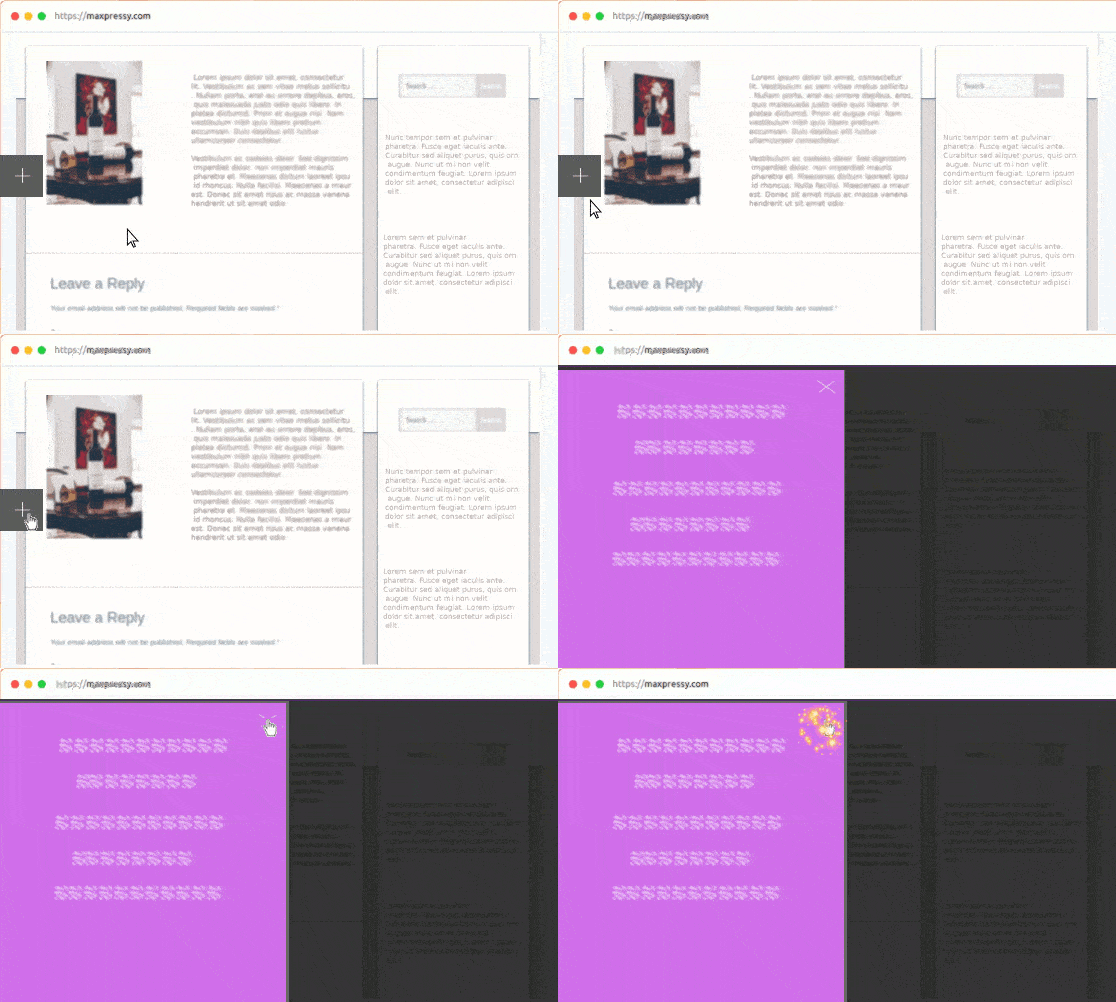
Make toggle and button igniting content
There are different appearance outputs and many more options to apply conditionally
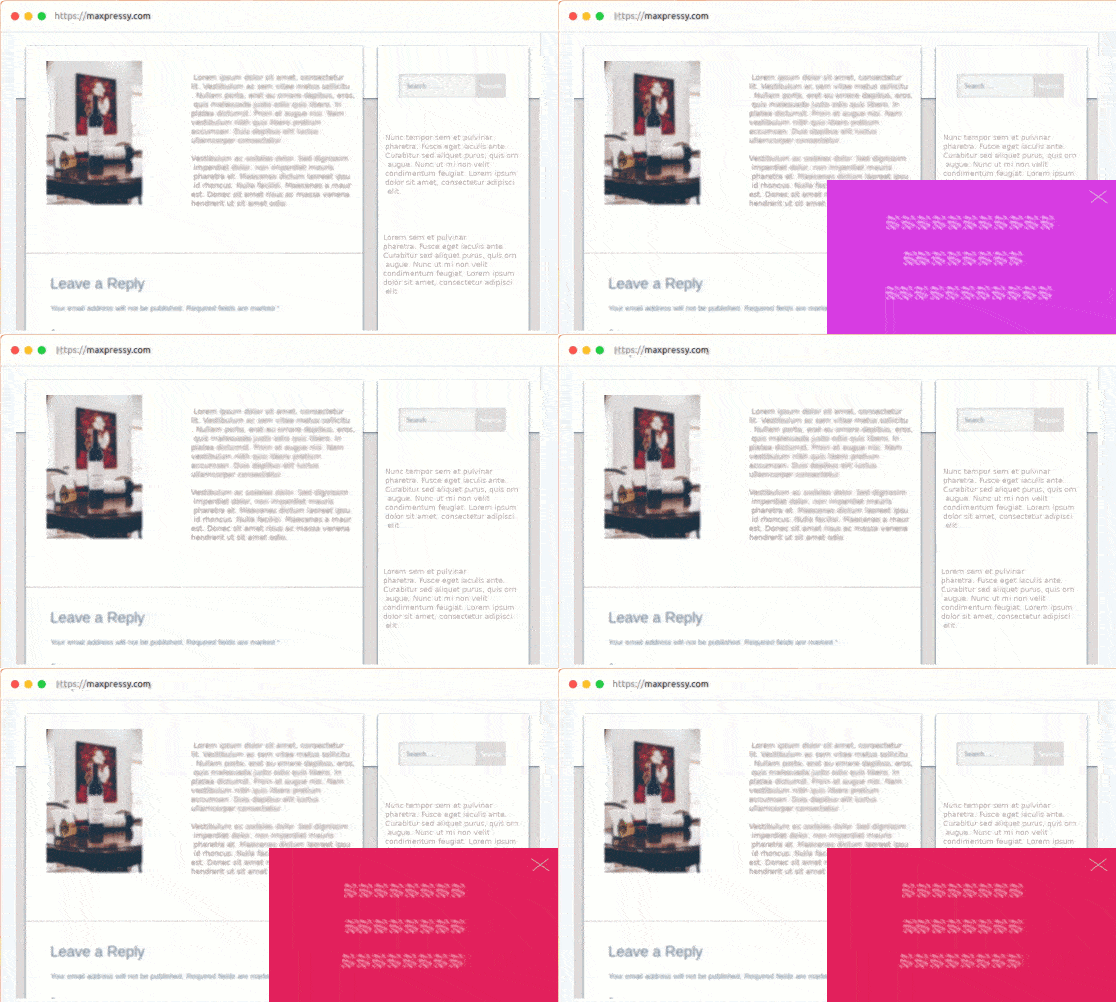
Rotate content boxes
Create a notification system by rotating the content
Inject content boxes
Let’s not forget, you can also embed a panel
See some using scenarios, now
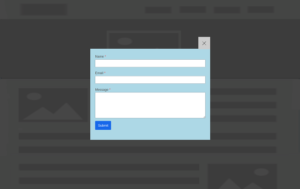
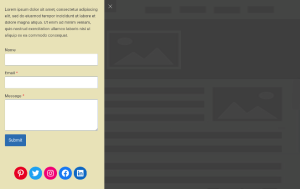
Set an attractive contact mechanism on your site. Use any form that is supported by the WordPress editor e.g. WPforms, Contact Form 7, Gravity Forms, etc. Use the simple contact forms or expand endlessly by creating multi-step forms, quizzes, or surveys.
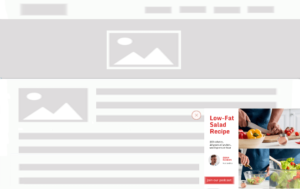
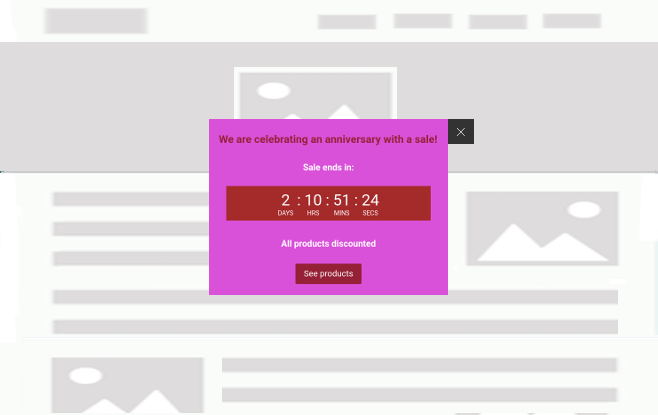
Well, you know these messages – Try, Get Started, Buy Now, Shop, Order, Reserve, Save, Pick, View, Get, Grab, Claim, Download… That’s right, pack them with authentic design and move your site visitors in the desired direction.

If ads are your revenue stream, you know that eventually it comes to their good exposure and getting clicks. With the FloatAny, show ads in noticeable Website locations, just be careful not to overuse it by being too intrusive.
To further engage visitors, create popup videos or video galleries, embed Google maps, or any other iframe-based content.
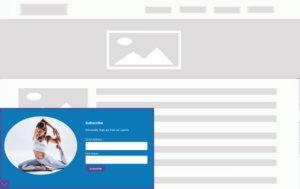

Popup and slide-in boxes are proven methods to entice consumers into the newsletter signup.
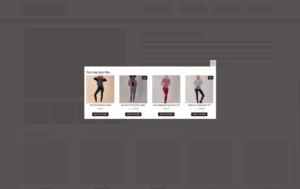
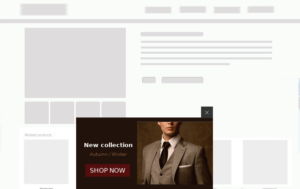
Boost your sales with Cross-sells, Upsells, and further by pushing notifications of new collections or arrivals in your store.
Basically, these content boxes may be used for whatever you can come up with. Just to state a few additional:
Welcome messages
Reviews
Testimonials
Articles
Social following
Sales promotion
Coupons
Social sharing
…
Of course, we didn’t cover every possible scenario in which you can use MaxBoxy panels, but hopefully, you got the clue. You can certainly use it to make the simplest info messages or cookie/GDPR notices, on the other hand, it’s largely expandable, allowing you to embed multi-step forms or quizzes, for example.
As you can see, the MaxBoxy panel, as a WordPress content box, can be simple or complex. Worth mentioning, that while many are created with core WordPress blocks, to complete the building of some MaxBoxy boxes, we have to use 3rd party plugins e.g. social sharing plugin. Now you realize, basically, there’s no limitation in what the MaxBoxy panel can contain and what you can create.
Save time by starting from the pre-designed patterns
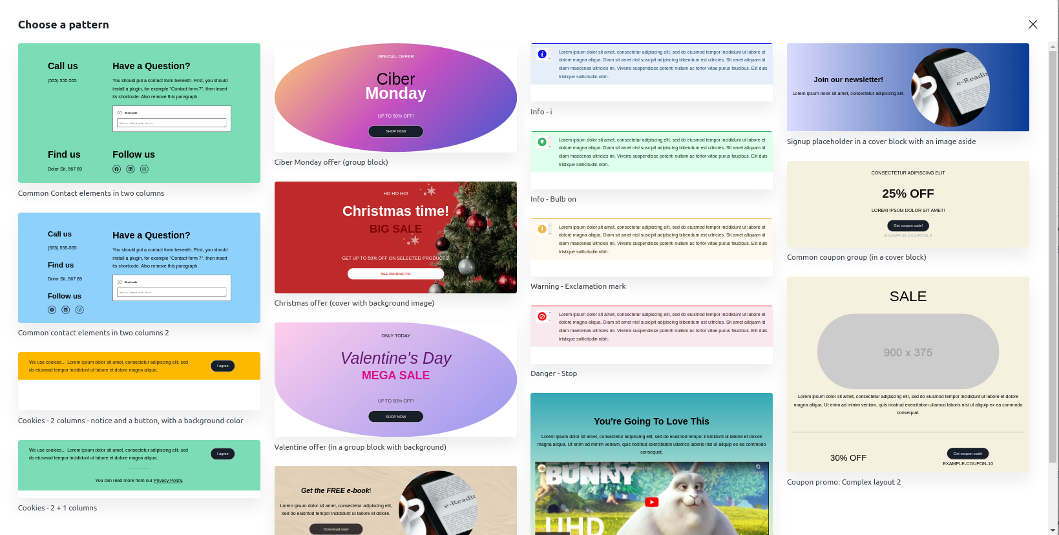
Create all the above-mentioned content panels and more, but save time by starting from the pre-made patterns. This is how they may look in the admin. When you upgrade to the Premium version, there are 80+ patterns currently available. Use them as a starting point, just add a bit of personal touch, and connect colors to your personal branding or to the message you want to send.
Always testing for the best security and performance
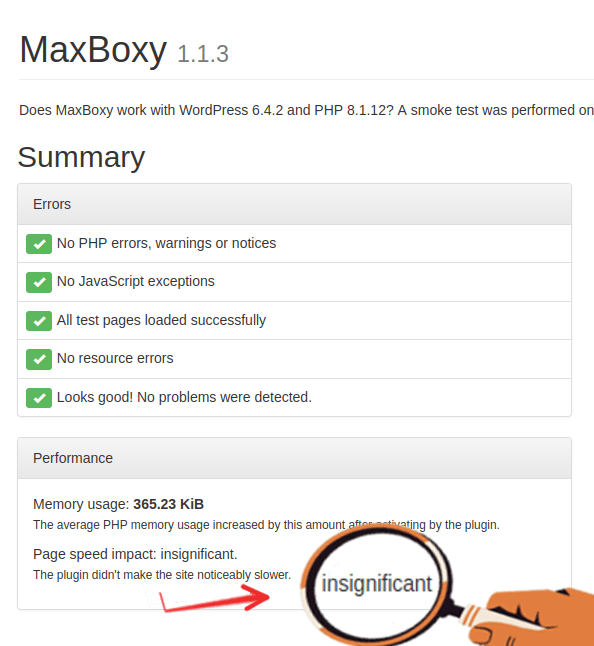
As seen on this test, MaxBoxy doesn’t impact the page’s speed. If the plugin is disturbing the page load, the test would be showing some number, but here the impact is so low that it isn’t showing any calculation.
Be assured, the plugin will always be tested for the best security and performance.
Demo
The fully working MaxBoxy plugin and most of its options are demonstrated here.
Documentation
We have a docs page with all the options of FloatAny explained.
Import examples
We have prepared some panel examples you can import into your WordPress site and work on there – see how it works.
Report an issue or open a support ticket
- If you use just the Free version and you have some general support questions, the best option is to open a thread on the plugin’s support channel from the WordPress repository. Visit our support page
- Maxboxy is open open-source project. If you’re a developer or designer, you can contribute or fork it from its GitHub repo
- For the premium version customers, if you’re still having a problem finding the answer, just open the support ticket here
Compare: Basic Vs Premium
| Feature | Basic | Premium |
|---|---|---|
| Locations (FloatAny) Left topped, Left centered, Left bottomed, Center topped, Centered, Center bottomed, Right topped, Right centered, Right bottomed | All | All |
| Locations (InjectAny) Head (for code, e.g. CSS, JS), Top/Bottom body (for code or content) | All | All |
| Conversion – Stats See panel loads, views, and goals completion | Yes | Yes |
| Panel types Toggler, Closer | All | All |
| Panel roles With Toggler: Rotator (rotate messages), Igniter (see content on a button trigger) With Closer: Hidden, Exit intent, Banish (do not show again), Hover out, Rotator | All | All |
| Conversion – Goals Track clicks or form submission | Yes | Yes |
| Yes Restrict to a single page, multiple pages, custom post types, archive types, by RegEx, etc. | Yes Limited | Yes In details |
| Initiation | On load | On load, On click, On mouse hover |
| Showing style Popup, fade-in, slide-in | All | All |
| Add classes | x | Yes |
| Colors | Unlimited | Unlimited |
| Sizes Height, Width, Padding, Borders | Yes | Yes |
| Toggler/Closer button options Positioning, styling | Yes | Yes |
| Particular pages condition | x | Yes Appear after certain events– Time, scrolling, page’s element in view, beneath the element in view |
| Element present condition | x | Yes Show if the element is present on the page |
| Event triggers | x | Based on the number of page views number |
| Based on the referrer | x | Yes Until the (x) times or After the (x) times |
| User logged status | x | Yes Logged in or Logged out condition |
| User roles condition | x | Yes Restrict for Administrator, Author, Editor, Support Agent, etc. |
| Based on devices | x | Yes Appear for mobile or desktop devices |
| In the content closer/toggler Set buttons inside the panel to act as a panel’s toggler | x | Yes Show a panel based on referrer – Domain(s) or URL(s) |
| Geographical restriction | x | Yes Restrict appearance for certain Countries and Cities |
| Scheduling | x | Yes Limit the presence to a certain time span |
| Output | Site global | 1. Site global 2. With a shortcode 3. WordPress block interface |
| Copy coupons Set coupon codes to be copied on click | Yes | Yes |
| Hide blocks for small or large screens Enables you to hide inner elements inside the panel by adding the classes | Yes | Yes |
| Trigger from the content | x | Yes Open a panel with a click/hover on the page element |
| Set as a dismissive note With InjectAny, set a dismissive note | Yes | Yes |
| Patterns A collection of pre-designed templates that you can insert and edit to your needs | Yes Limited | Yes 80+ design patterns currently available |
Get the plugin


Special discount for early birds!
Hey, wanna know when MaxBoxy Pro goes live? Just complete this form and we’ll let you know.
Maxboxy – Advanced WordPress Floating Content and Panel Injection
Familiar interface
You will be using the already familiar WordPress interface.
Easily create content
While we provide pre-designed patterns, you can further expand by embedding any WordPress block in MaxBoxy’s panels as well.
Lightweight
The plugin itself is lightweight, and content is created with native WordPress blocks, which means it utilizes resources your site is already using.
Start quickly
With importing examples and patterns, you’re promptly on the road.